Action
Voice a script
Your script, read aloud.
Open in ScrubAbout Voice a script
From your code: POST /v1/tools/voice_script, in the API reference.
What it makes. Your script read aloud, line by line, as one take, with every word's time: a voiceover to put under a video, and the script and its timeline voiced, so each line's stretch of the audio is known.
What you give it. The script, as you wrote it: each paragraph a line. Notes on how a part is said, its time and pauses go in brackets and are never read out; the guide Write a script to be voiced shows them.
Settings worth knowing.
- Voice. Who says it. Each voice can be heard first, free. Sounds like finds voices from your words, such as "a calm man".
- Accent. Any voice in an accent you choose; the voice's own when none is.
- Delivery. Follow the notes, each part said as its note asks, or As written, one even reading.
- Only these lines. Voice only the lines you changed; every other line keeps its voice, and you pay only for the new ones.
What comes next. Media, to put pictures and music to it; Add a voice effect to have it heard over a speaker or a phone line.
Ask your AI. "Voice this script in a warm, confident voice, and follow my timing notes."
An example. A 60-second launch script for a reusable water bottle in four timed parts: the first upbeat, a (pause) before the reveal, the last said slowly. Voiced as one take; then the line "Built for the commute" is changed and voiced again on its own.
Step by step
A script voiced, one line changed
1Paste the script with its timing notes.
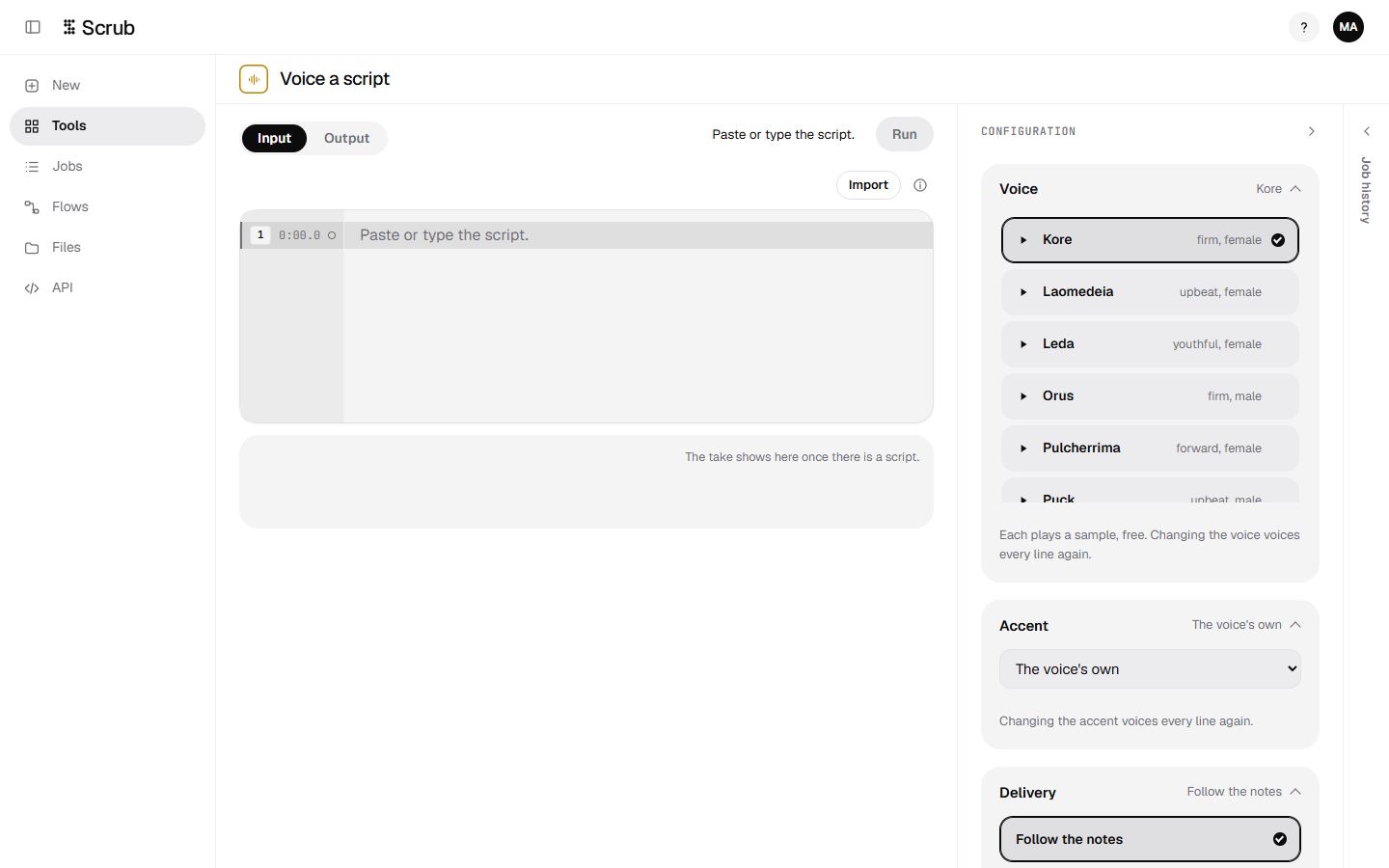
2Hear the voices free and choose one.
3Run.
4Change one line and voice only that line.
Was this helpful? Tell us