Guide
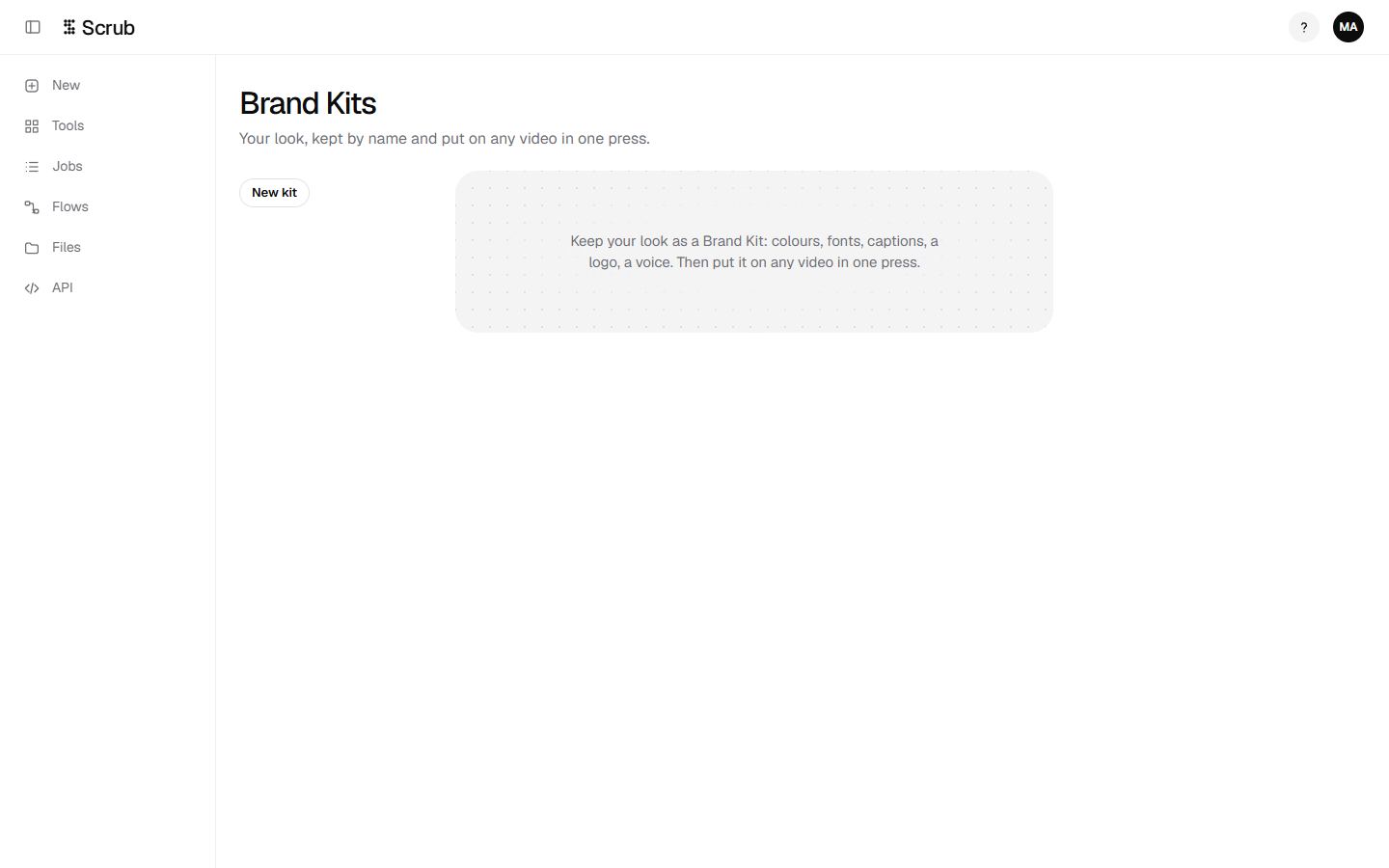
Brand Kits
Your look and taste, kept by name and put on any work in one press.
A Brand Kit keeps a brand under one name: the ground, the type, the captions, the logo, the voice, how it writes, how its words on screen look, and its taste in how videos are made. Open Brand Kits from the menu under your initials. Each kit is a card drawn in its own look; press one to open it on a page of its own.
Make one. Press New kit and name it, or Start from a website to have Read a brand from a website read the brand's colours, fonts and logo into a draft for you to check. Run Read a brand from a website on its own and its result has Save as Brand Kit right on it. Set what you want kept, part by part:
- Video: the ground, and the safe area kept clear of the platform's buttons.
- Text: the font and the colour for words on screen.
- Captions: the style, font, size and case, and the colours that style has.
- Words on screen: how a Title and a Callout look. A short's hook is its Title and its figures are Callouts.
- Logo: upload it or choose it from Your files, and the corner it sits in.
- Voice: who speaks, the brand voice it writes in, and who it writes for.
- Music: what it sounds like.
- Taste: rules for how the brand's videos are made, such as how long a shot lasts or how a video opens. A rule can set something Scrub follows; a rule in words is followed by whoever makes the video. Study reference videos writes them from the videos you admire.
Anything left as "The video's own" stays as each video has it. Beside the settings, a frame drawn by the same code that makes the video shows the kit on it, so what you see is what a video gets. Saving is free.
Use one. In the video builder, in Media and on Assemble a video, choose the kit at the top of the Video settings. Its parts go over the video's own and its logo stays the whole way through; Undo takes it off. On Plan the cutaways, Write content and Draft a video script, choose the kit at the top of Settings: it fills the settings it has values for, and each can still be changed.
Share them. Export puts your kits and Flows in one file, logos inside, with nothing else of your workspace's. Another workspace imports it with Import, and is told first what it adds and what it updates: a kit or Flow of the same name is updated, so a setup sent back to you brings its changes with it. Both are free.
Several brands. Keep a kit for each brand or client and choose the one the work is for.
Step by step
Your look as a Brand Kit
1Open Brand Kits from the menu under your initials and press New kit.
2Set the captions and upload the logo.
3Choose the kit in a video's settings.
Was this helpful? Tell us