Guide
Flows
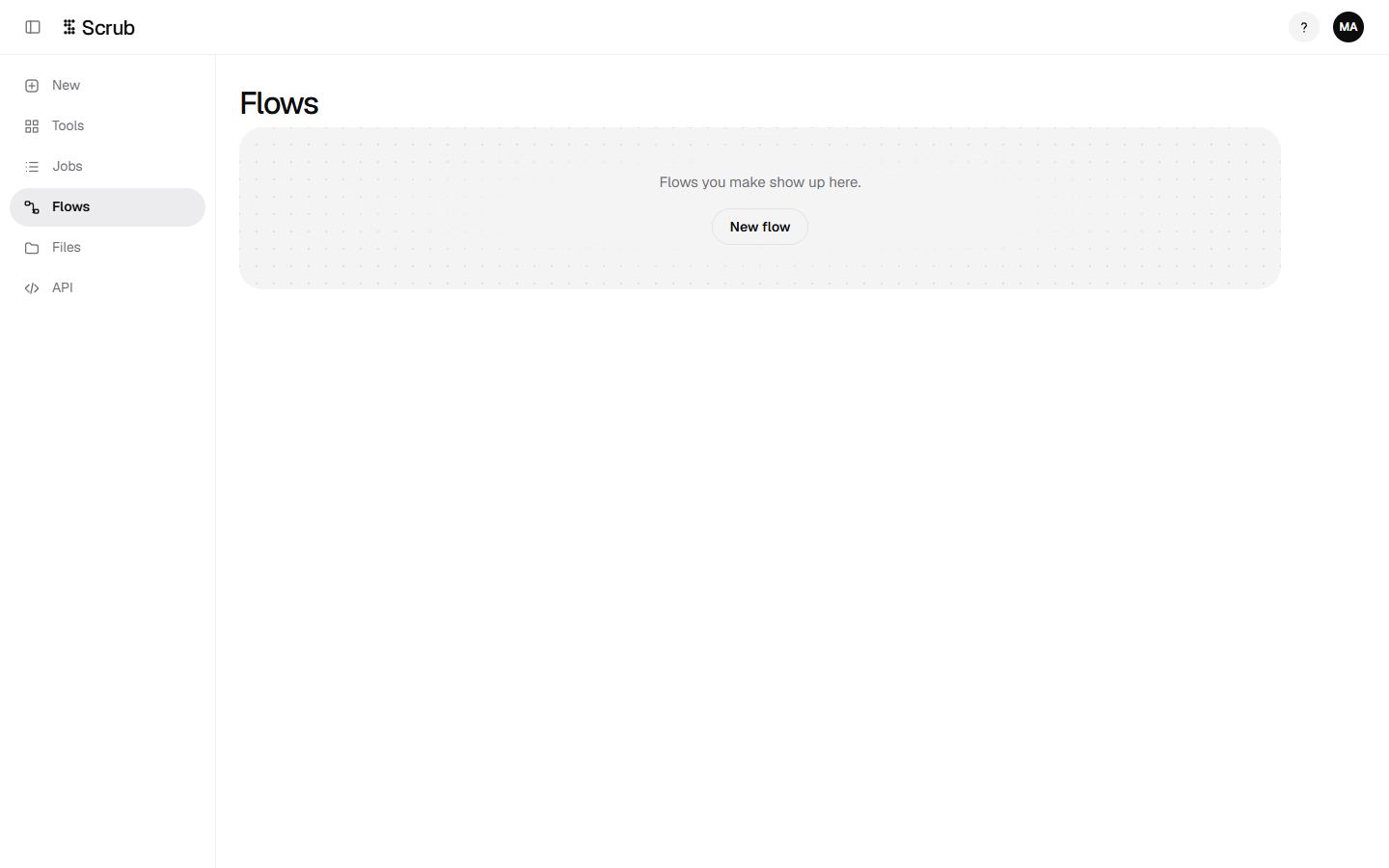
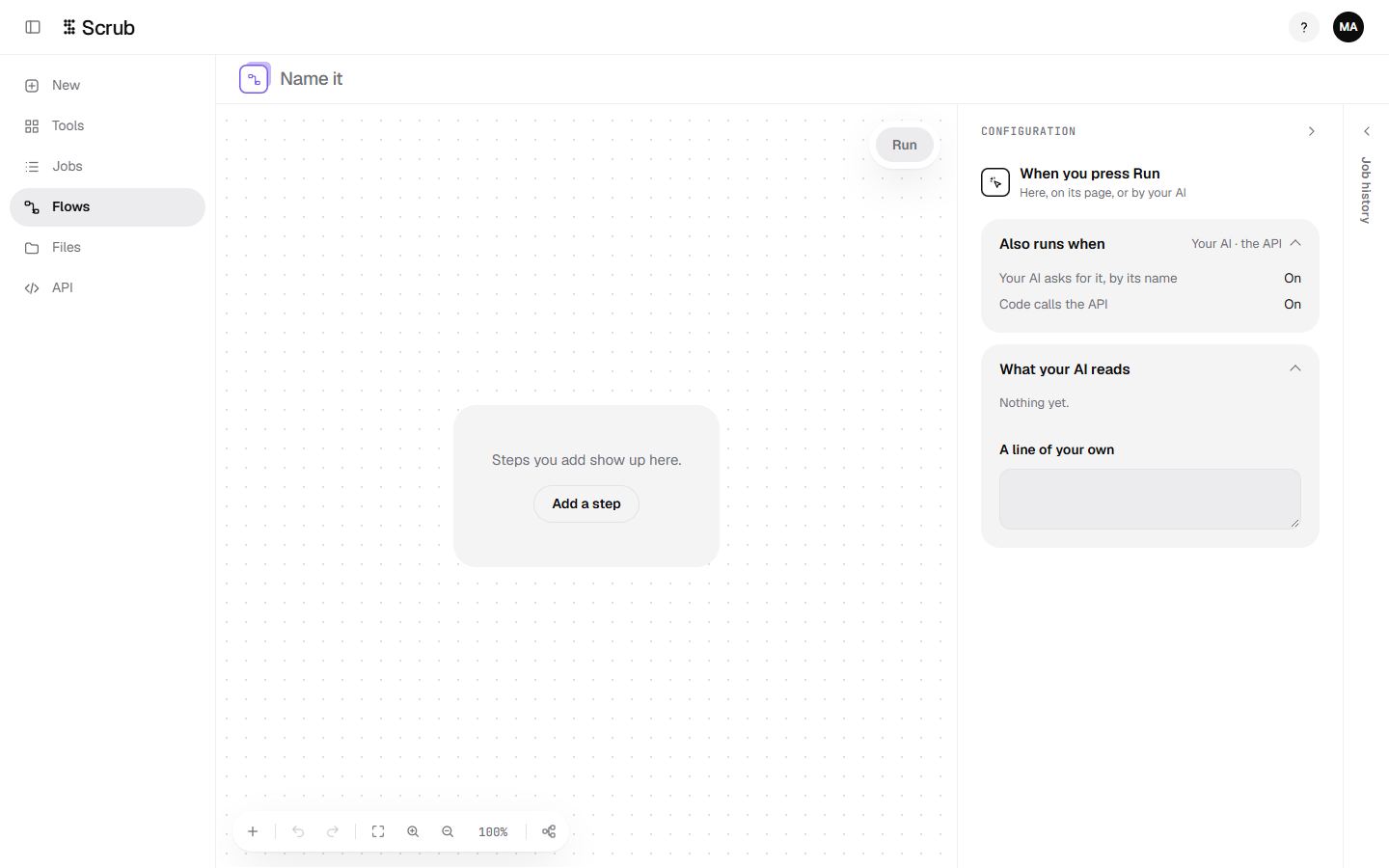
Chain Tools and Actions on a canvas, and run them as one job.
A Flow is your own chain of Tools and Actions, drawn on a canvas and run step by step as one job.
Build a Flow on a wider screen; any screen, a phone included, can run one. A Tool in a Flow follows Scrub's improvements; unfold it to change its steps, and they become yours.
Step by step
Your week's work as a Flow
Was this helpful? Tell us