Action
Draw a diagram
An idea as a labelled drawing, every word spelled right.
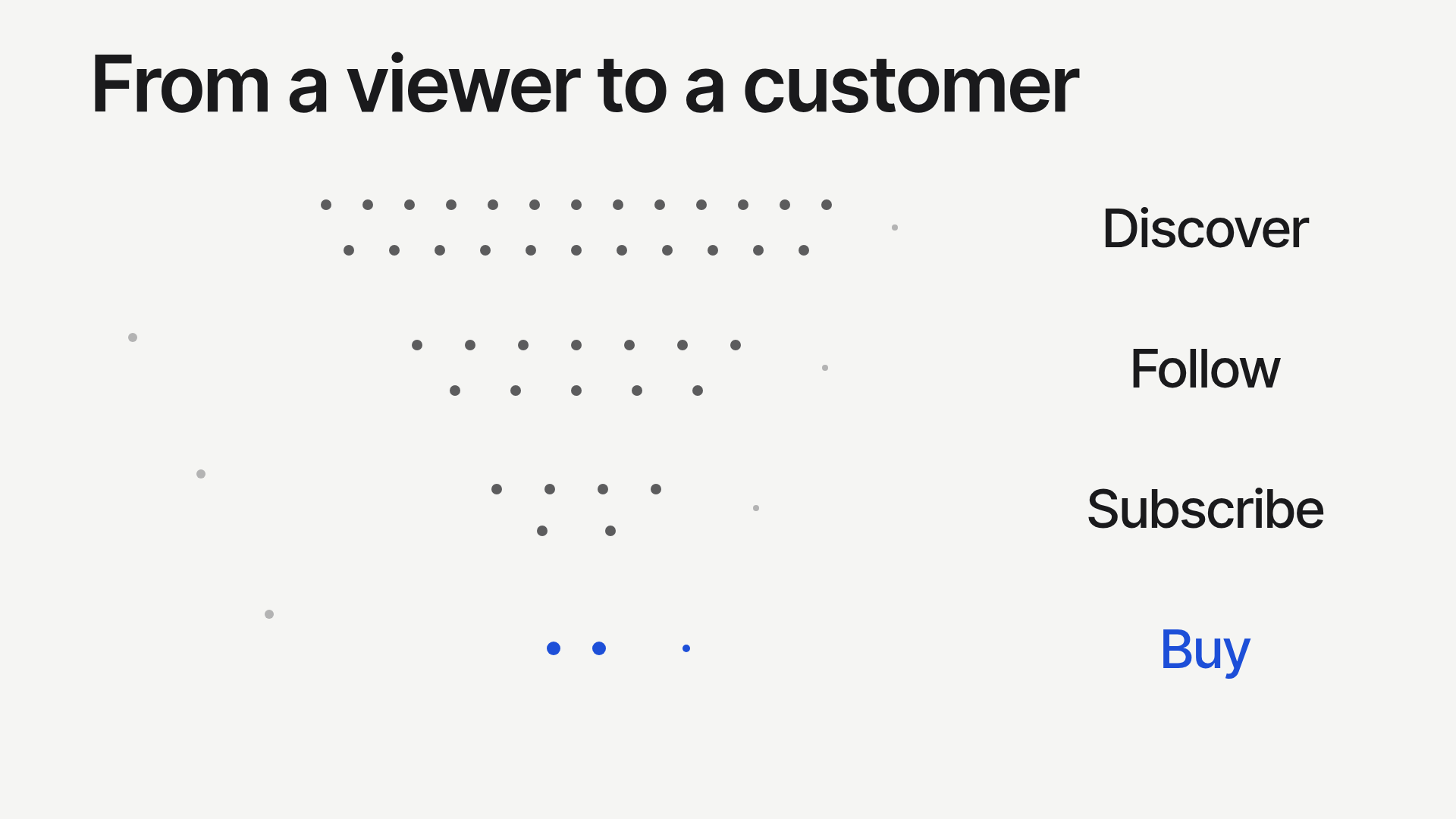
The drawing that explains it, every word spelled right
A labelled drawing for each point a short makes.
The figure a slide needs, in the deck's colours and font.
How it works, drawn in a few labelled parts.
A process step by step, every label as your team says it.
What you give, what you get
You give
- What it showsThe idea the drawing shows, in a sentence or a few, such as finer cells near a wing where the flow changes fastest.
- LabelsThe words on the drawing, one label a line, each spelled exactly as it is drawn.
- HeadingA heading across the top, spelled exactly as it is drawn.
You get
- DrawingThe drawing as a PNG, 1080 pixels wide, or 1080 tall when wide.
- SVGThe same drawing as an SVG, its labels as text in the font, which travels with it, to edit in any design tool.
With the rest of Scrub
What usually comes next
Where you work
The same action, with the same settings, in all five.
Your AI, over MCP
In any AI that takes MCP. Connect your AI
Chat
Ask for it in a sentence, with nothing to set up.
Tools
Its own page: your material, its settings on the Bar, Run.
Flows
One step of a flow, run again whenever you like.
API
POST /v1/tools/draw_diagram
Host: app.scrub.app
Authorization: Bearer $SCRUB_KEY

{
  "explains": "…"
}Questions
Yes. Every label is set in your font exactly as you typed it.
Yes. It comes as a PNG and as an SVG whose labels are text, to open in any design tool.
You do. Your files are yours, and Scrub claims no rights in what it makes for you.
Yes. Post it, sell it, or put it in a client's campaign or an ad. Have the rights to what you give it, and say AI made it wherever the law or the place you publish it asks.
Results stay in your Files until you delete them.