What it does
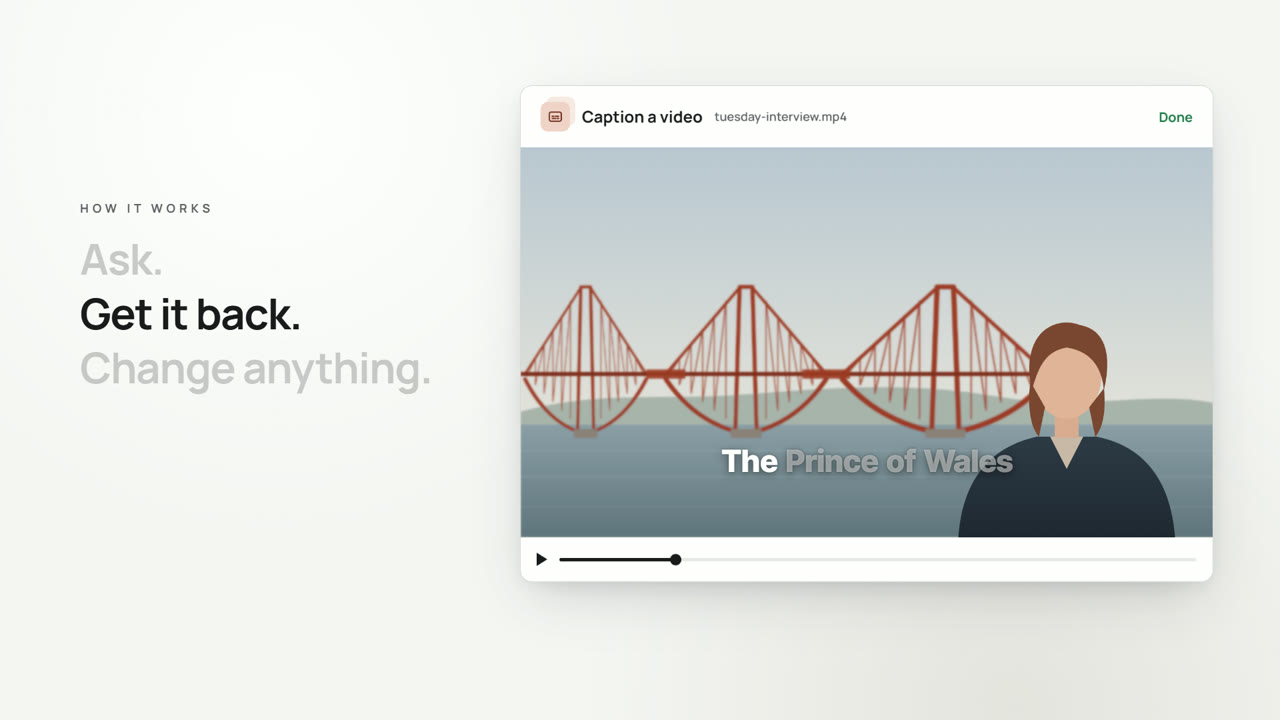
A narrated video, such as an explainer or a short with a voiceover, from its timeline. Images and music it describes and has not got are made, the music as long as the video, the script is voiced, and the images, words on screen, captions, logo, sounds and music are drawn into one video, each at its moment. To change a finished video, run it again on the timeline its voice step returned, with the change made: images, music and lines already made are kept and not charged again, so a new image costs only the video and a changed line adds only its voice.
What it takes
- Up to three images to follow, such as a person, a product, a place or a look to keep; the prompt says what to keep from them. An image drawn before can be given by its job.
What you get
- Video
- Still
- Captions: Every caption as it is shown, from when it shows until it goes, as an SRT file. None when the video has no captions
Made of
From your code
POST https://app.scrub.app/v1/tools/make_narrated_video
Authorization: Bearer $SCRUB_KEY

{
  "timeline": "$FILE_ID"
}
Every setting, and what comes back: the API reference.